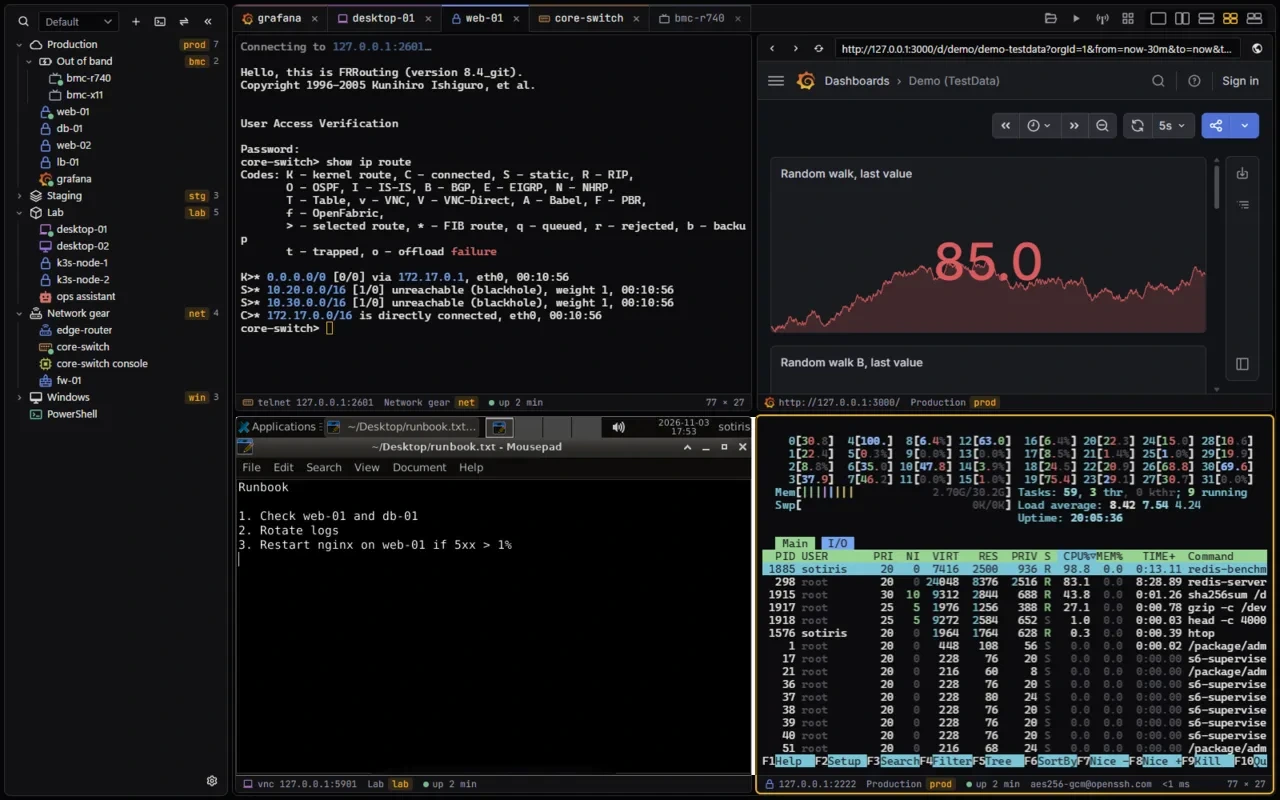
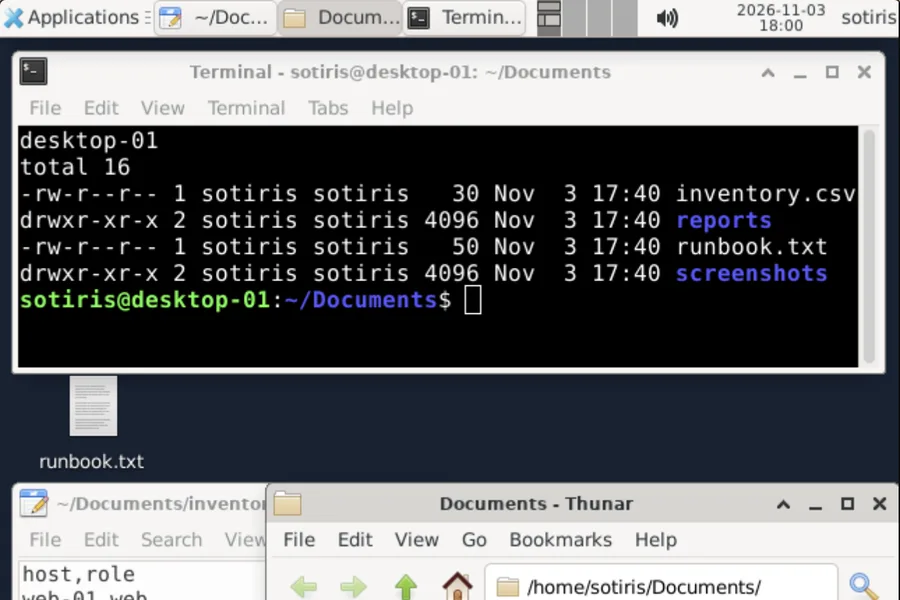
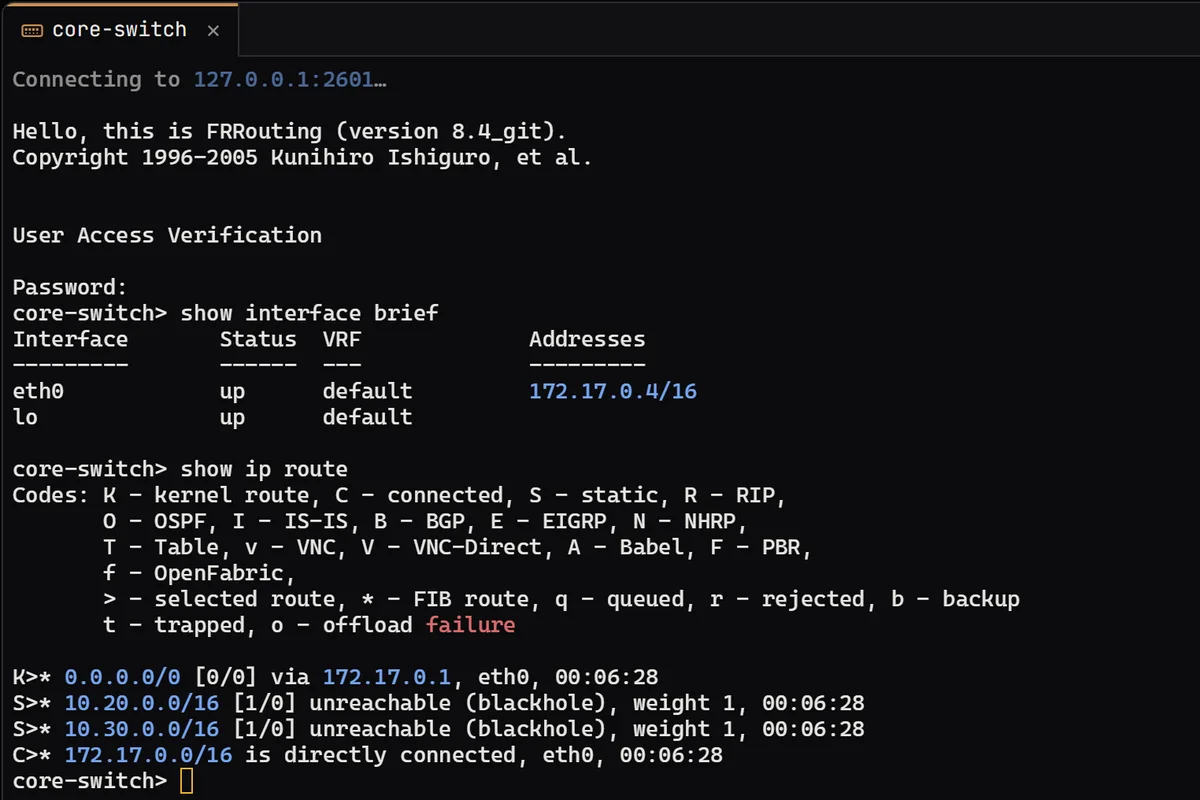
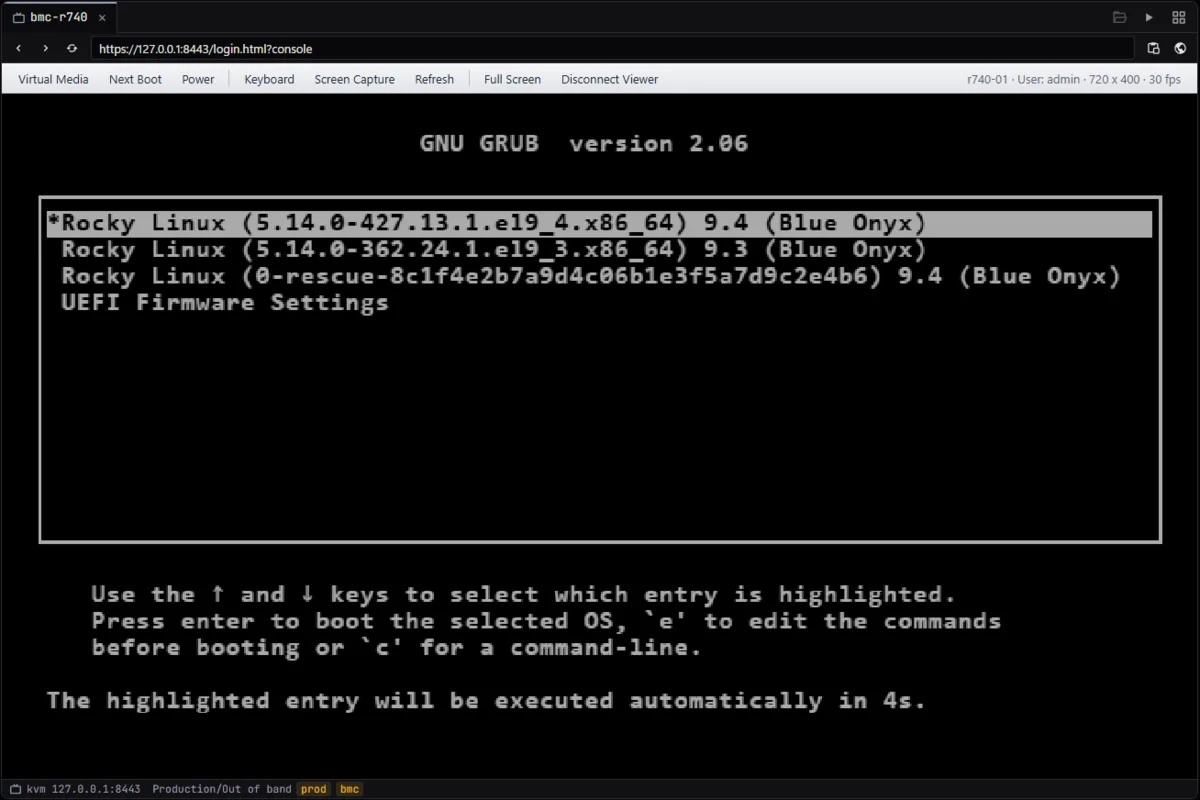
The window first, then the kinds of connection XTermium opens: SSH and SFTP, RDP and WinRM hosts in the rack, VNC, telnet, a local shell, a BMC console, a website and an SSH tunnel. Each one is a session in the sidebar, opened in a tab beside the others. The remote desktop screens gather the desktops and consoles.
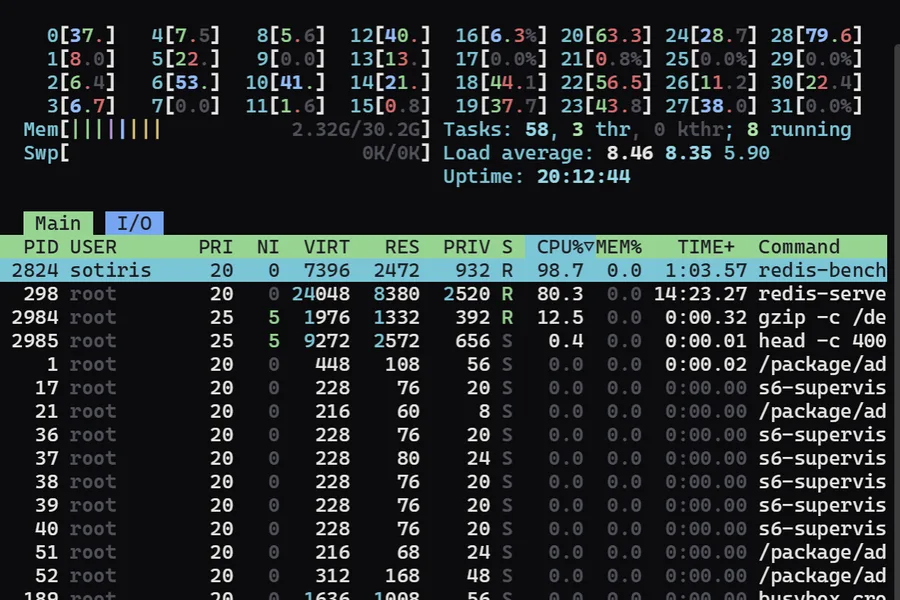
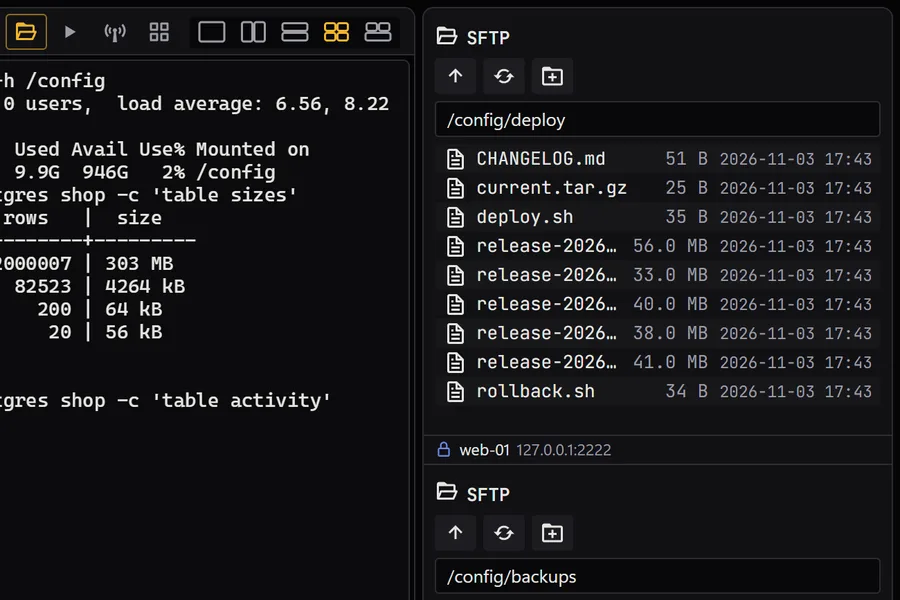
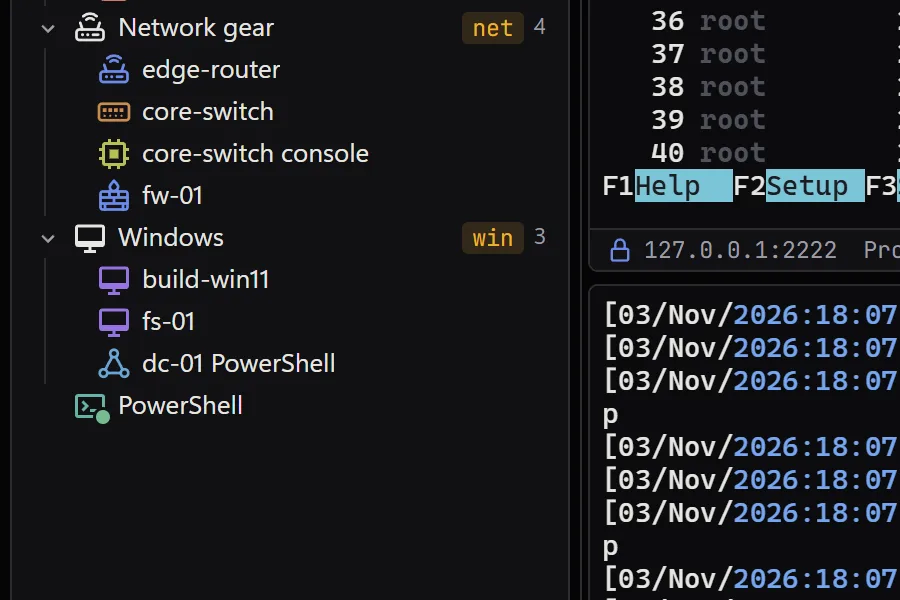
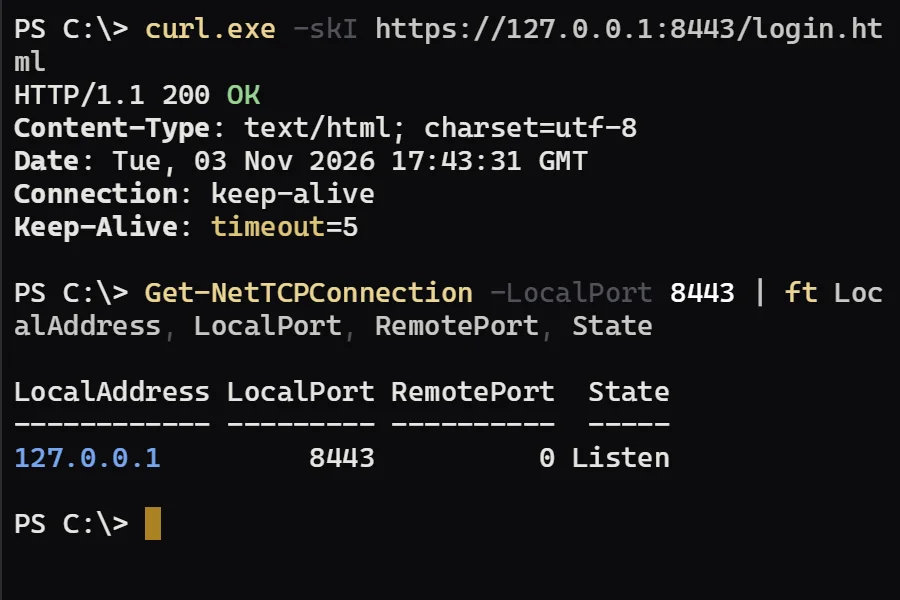
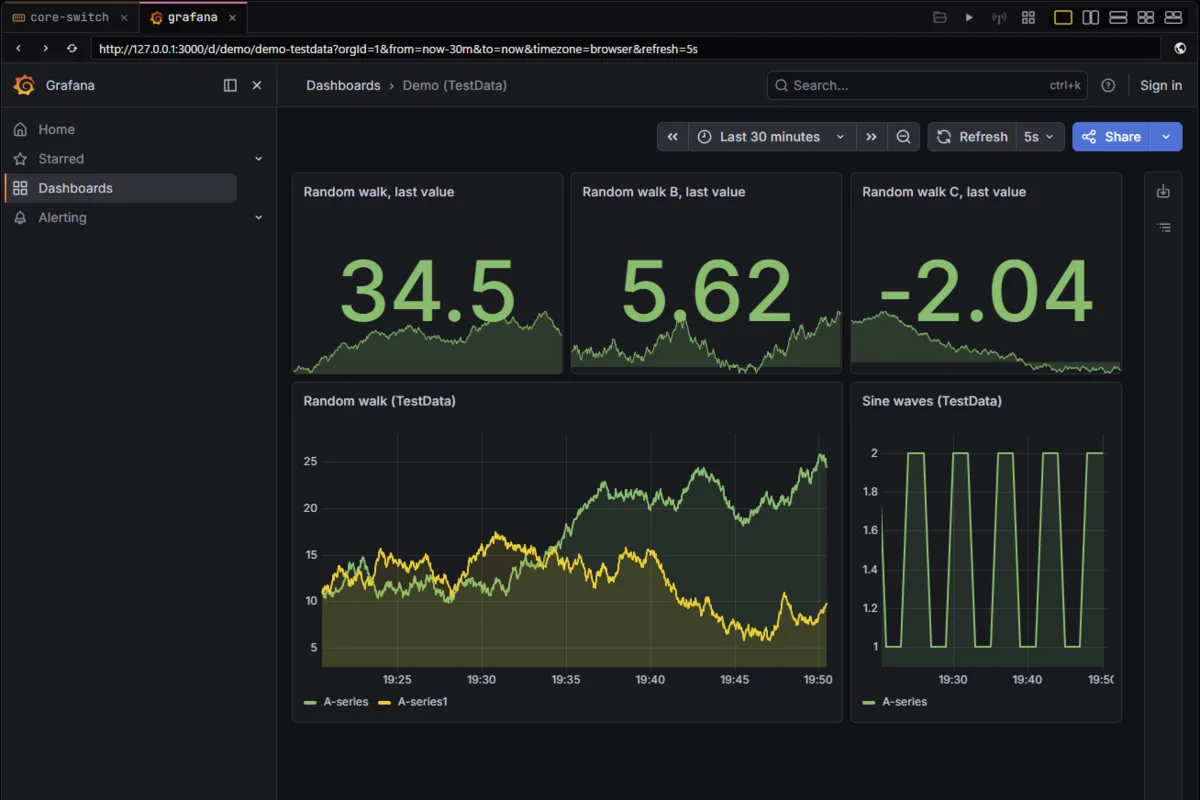
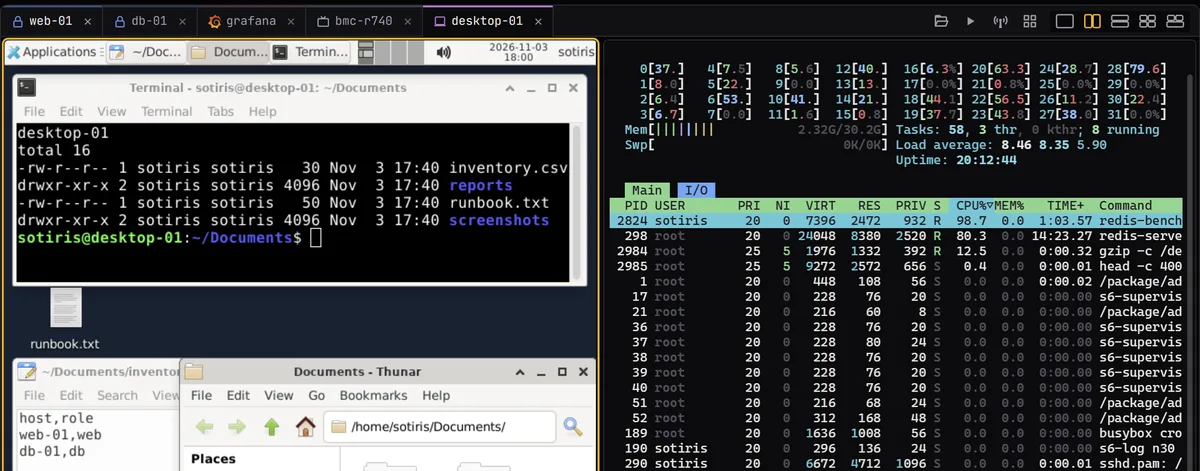
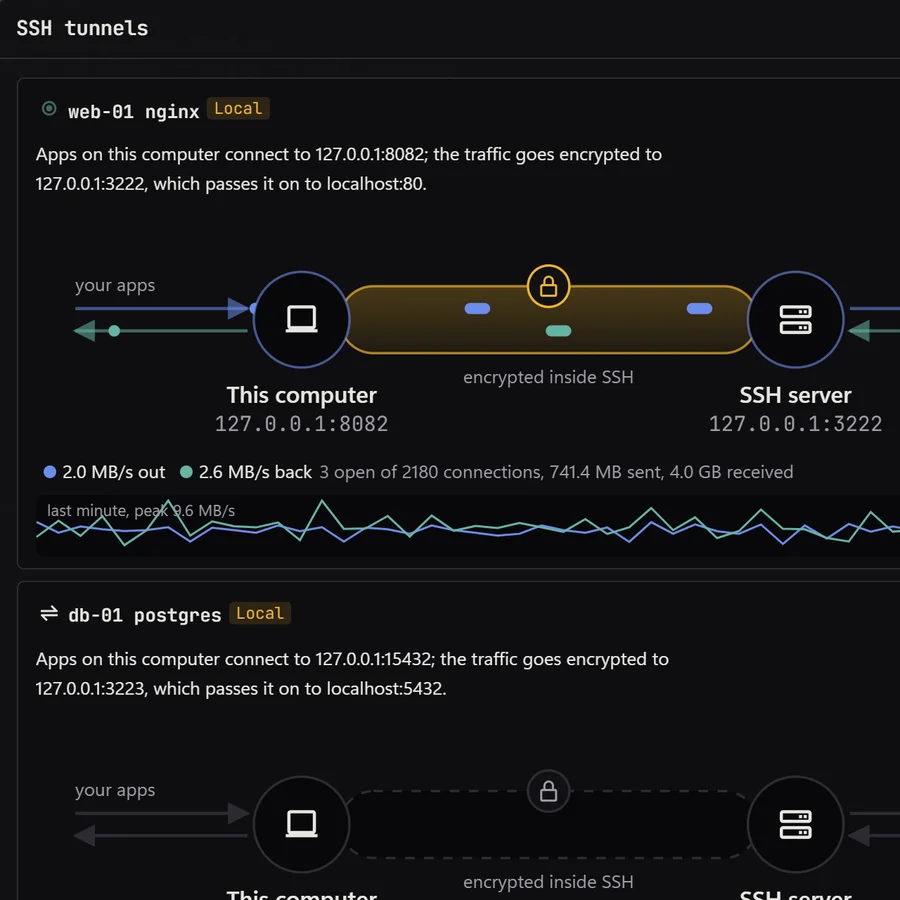
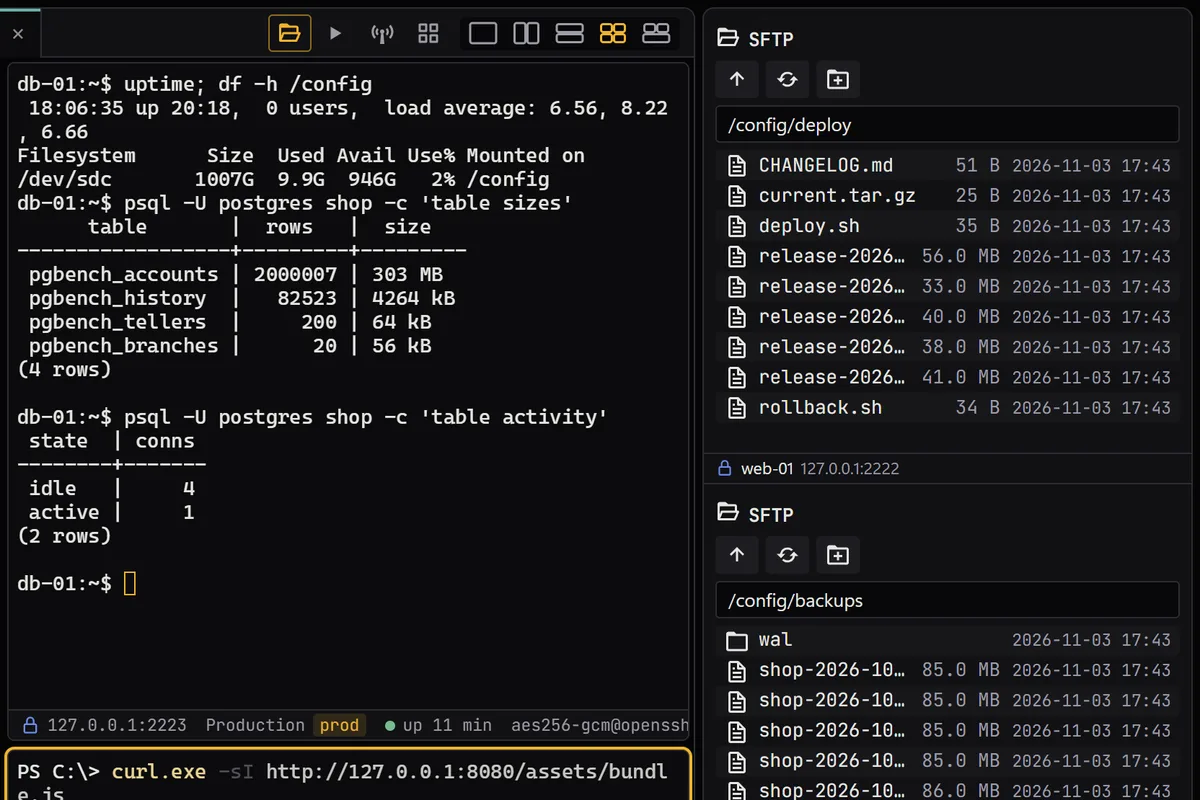
The window The real app, demo data: a router over telnet, Grafana in a web tab, a VNC desktop (that pane darkened for the page) and htop over SSH.SSHweb-01 over SSH, running htopSFTP The file panel of web-01, beside a terminalRDP and WinRM Windows hosts in the rack: build-win11 and fs-01 over RDP, dc-01 over WinRMVNCdesktop-01 over VNC, in a tabTelnetcore-switch over telnet: FRRouting on a demo hostSerial and local shell A local PowerShell in a tabBMC consolesbmc-r740’s console at a boot menu: a demo page, served locallyWebsites grafana in a web tab, showing Grafana’s test dataSSH tunnels The web-01 nginx tunnel, live
Panes, files, logins and the palette.
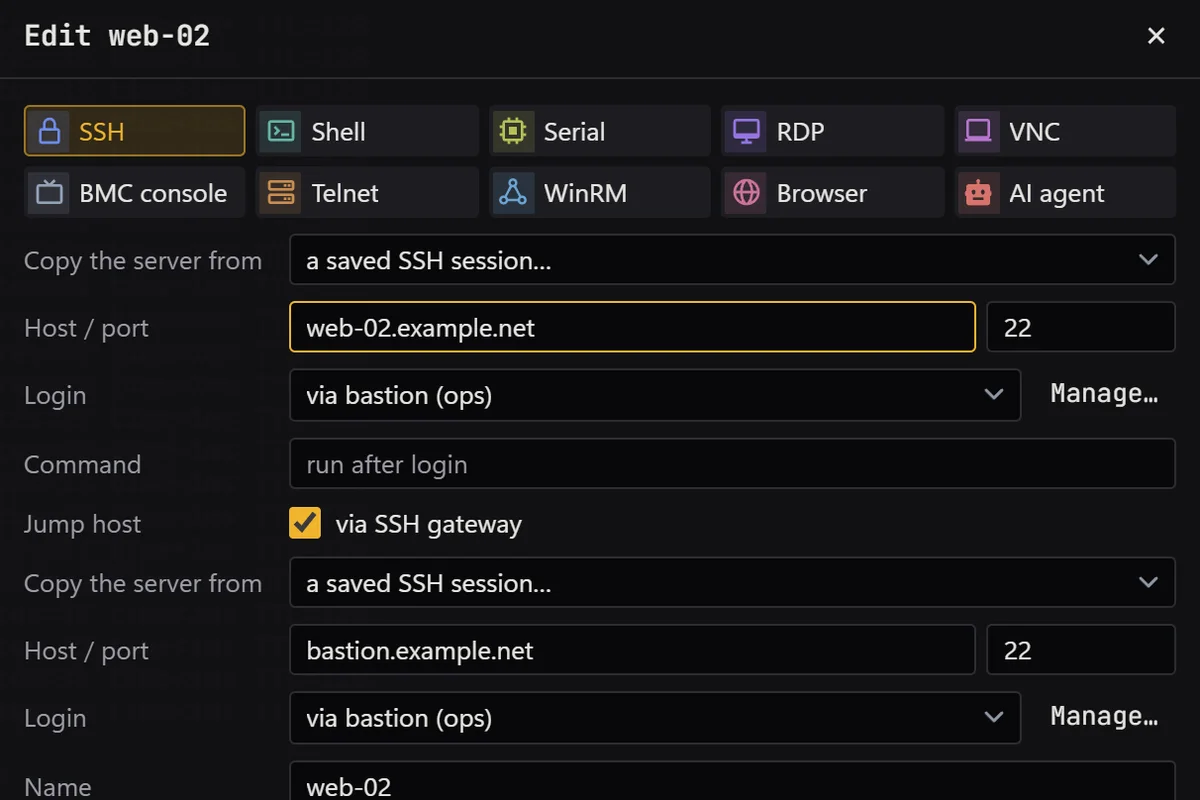
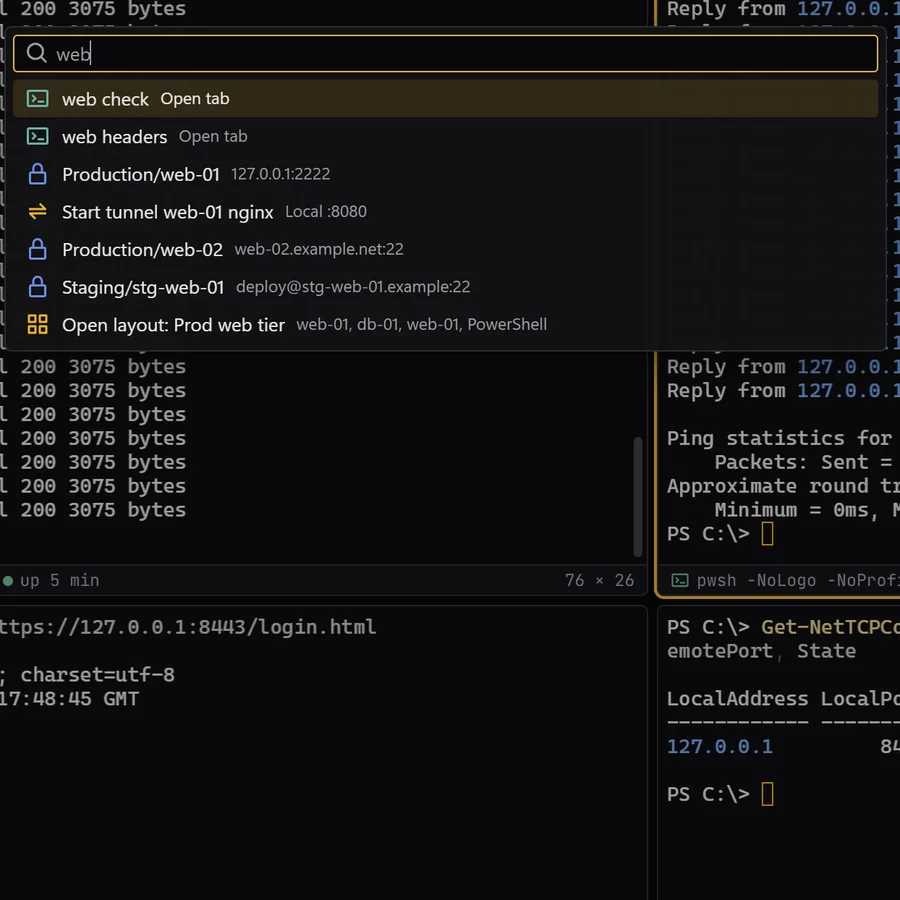
What you do once the sessions are open: split tabs into panes, type into many at once, watch a tunnel’s traffic, move files beside the shell, sign in with one shared login and find anything by typing. The SSH client screens show these with the SSH sessions they came from.
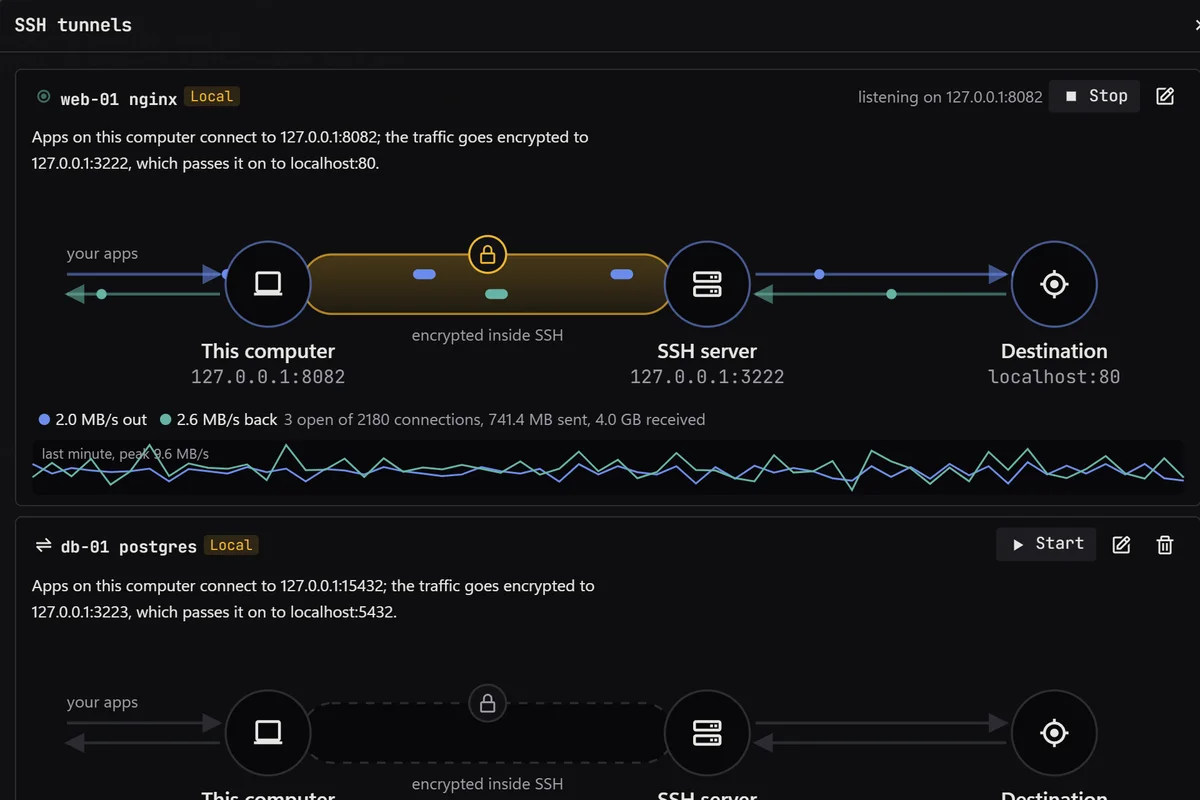
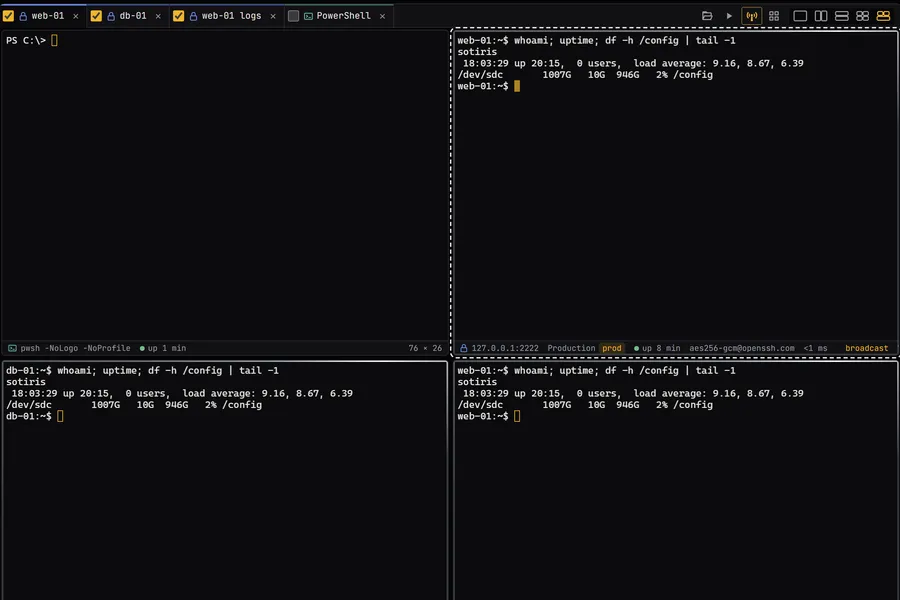
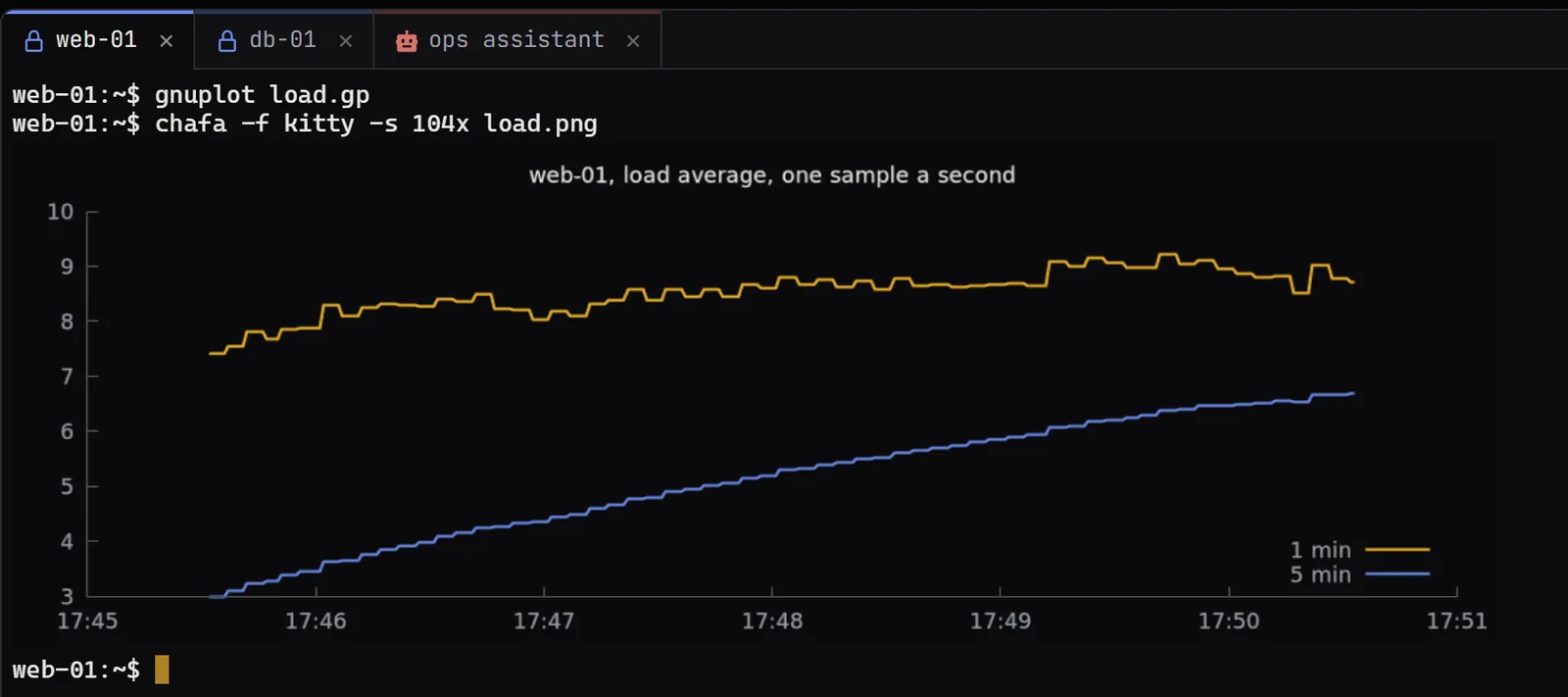
Split any tabs htop on web-01 in one pane, a VNC desktop beside itType once, everywhere Three ticked tabs with the broadcast outline, the same command in eachTunnels you can watch A tunnel's flow from this computer through the SSH server to the destination, with live throughputFiles beside the shell SFTP panels for web-01 and db-01 beside a terminalOne login, every session The session editor picking a shared login and a jump hostFind it by typing The command palette with web typed in, listing sessions, tabs, a tunnel and a layoutPictures in the terminal A chart of web-01’s load average, drawn by gnuplot and shown with chafa inside web-01’s SSH session
AI agents and the command line.
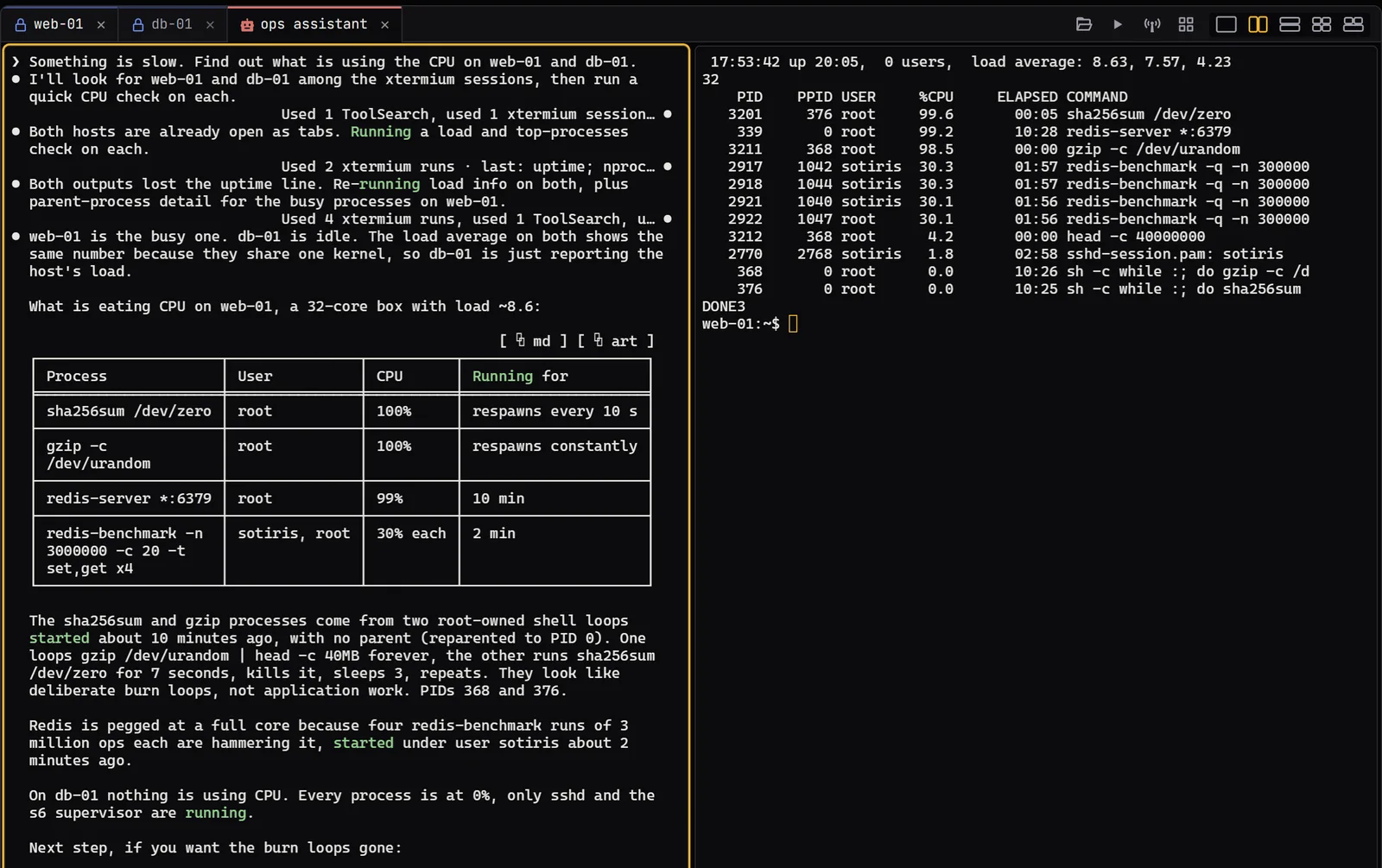
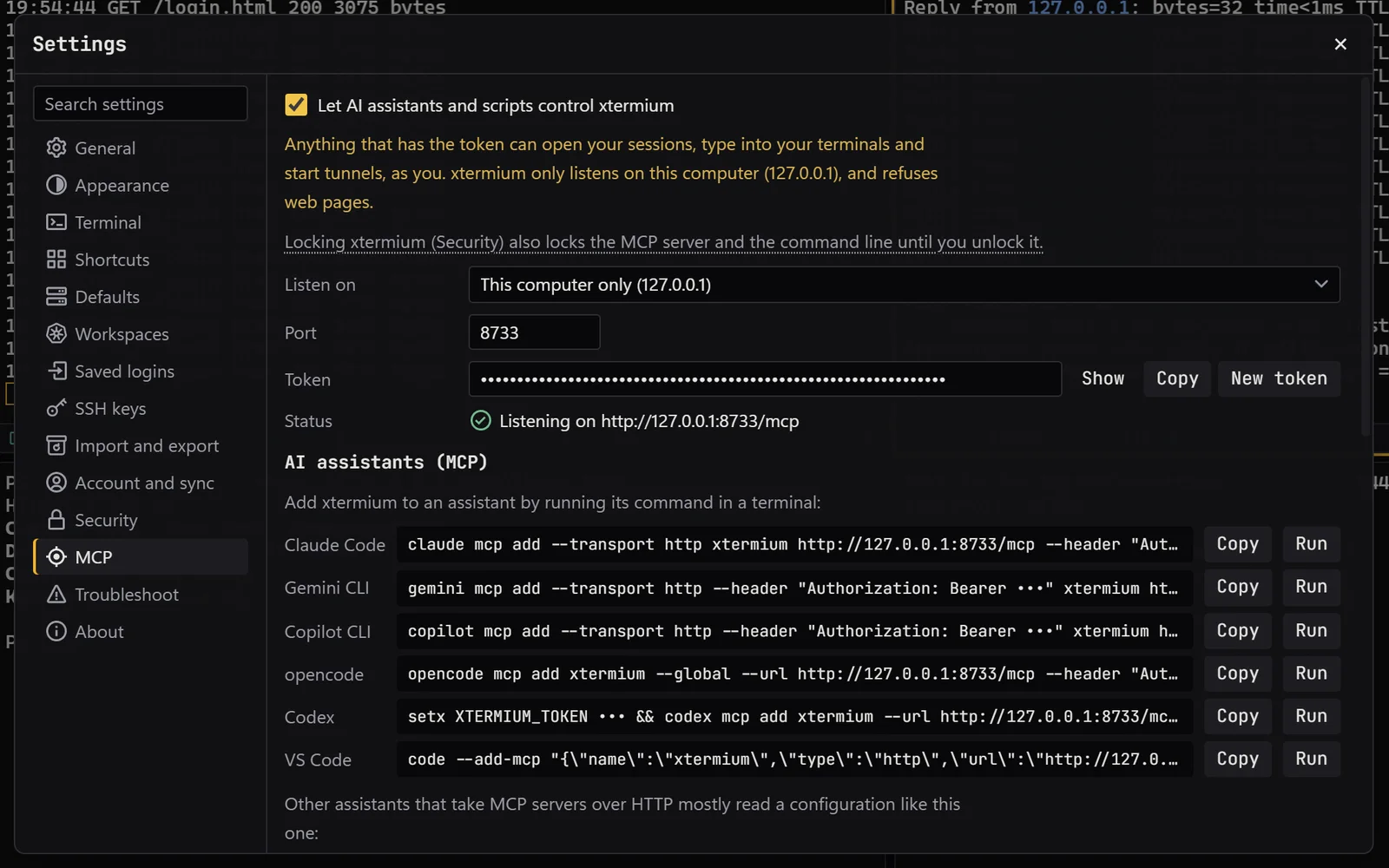
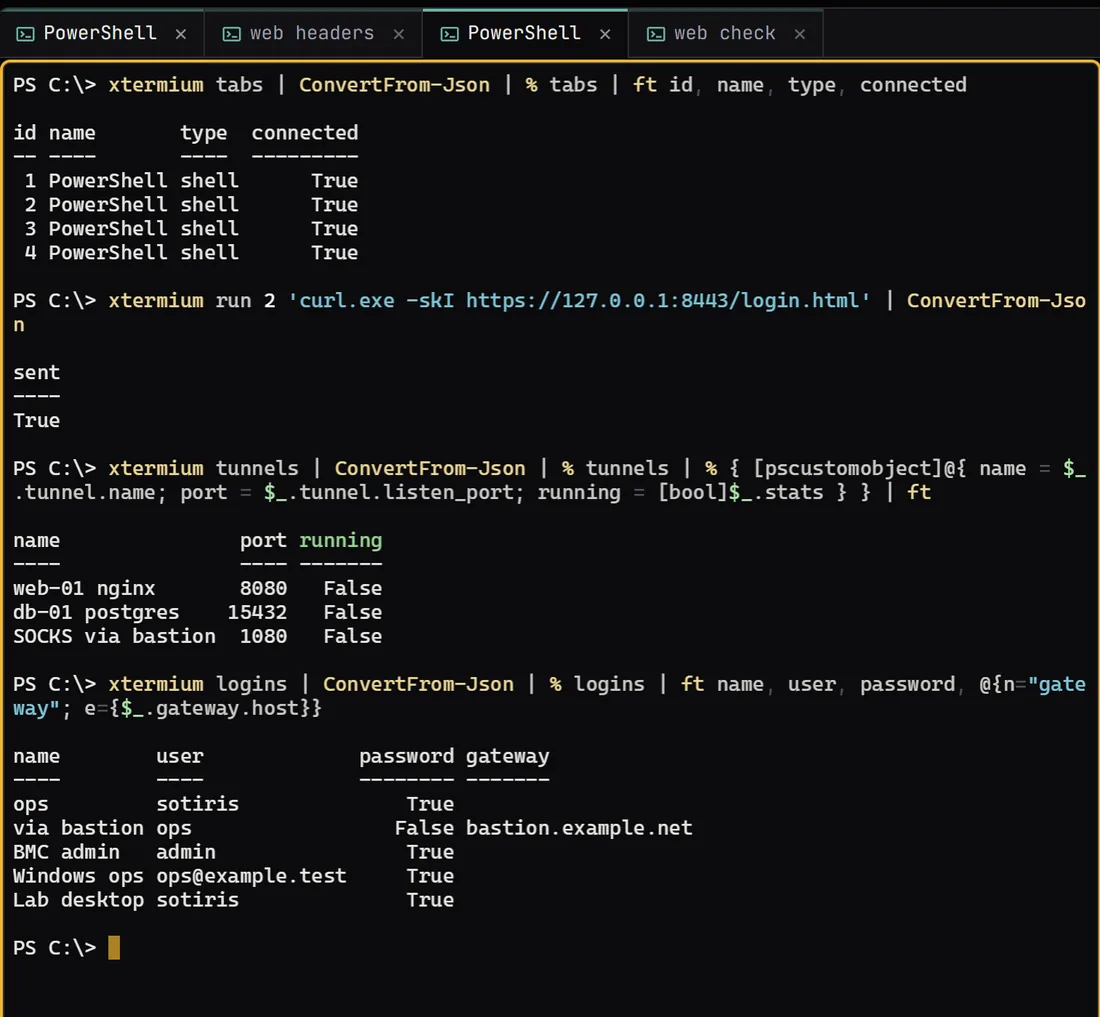
A real Claude Code run in an XTermium tab, the Settings › MCP page that turns the local MCP server on, and the xtermium command line driving the same tools from PowerShell. The AI agent screens say what each one shows.
Claude Code in a tab A real run: Claude Code in an XTermium tab, asked what is using the CPU on web-01 and db-01. Its commands ran in web-01, beside it.Settings › MCP The MCP server switched on for this computer, with the command that adds it to each assistantThe command line xtermium tabs, run, tunnels and logins in a PowerShell tab