
Remote desktop screenshots.
Desktops, consoles and terminals side by side in XTermium, captured running with demo data. The remote desktop page says what it does; every capture is on the screens page.
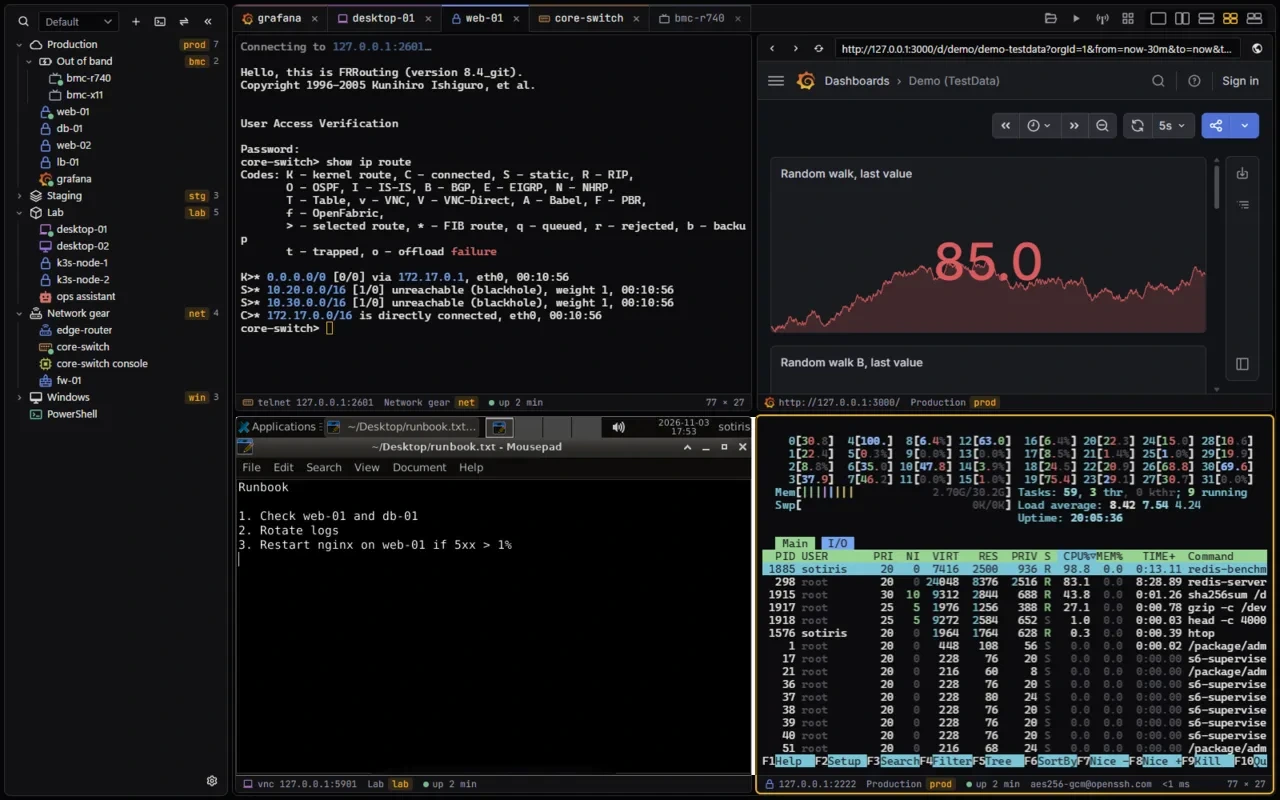
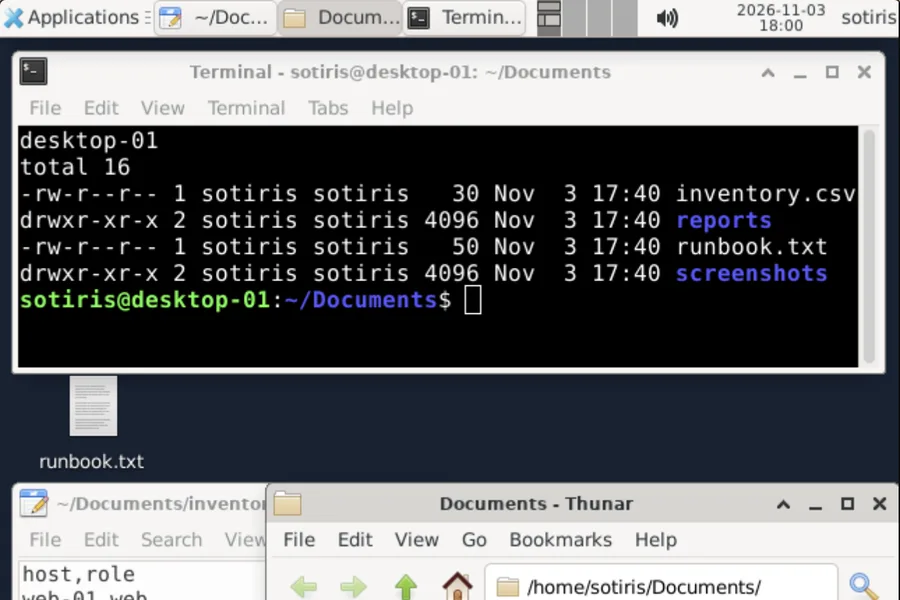
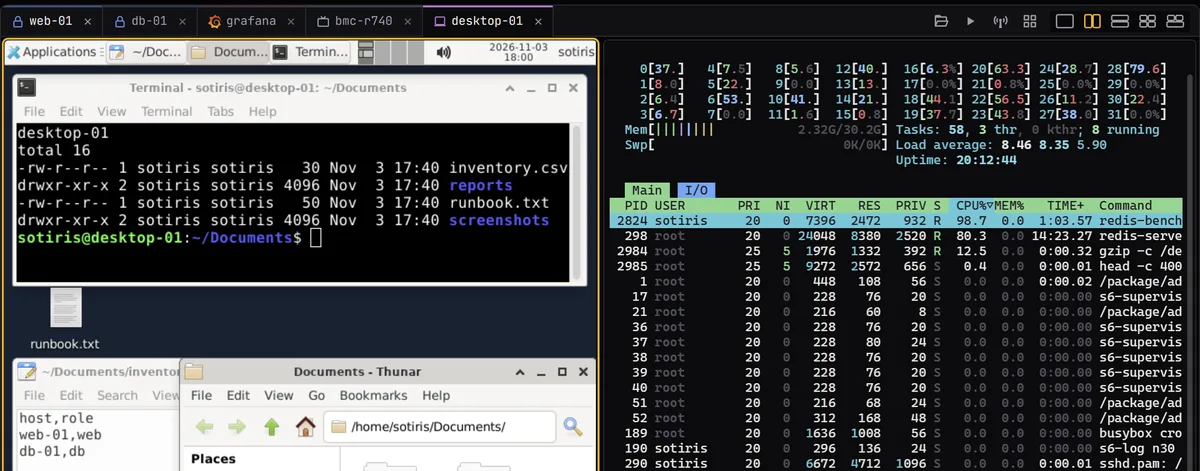
These are captures of the real XTermium with demo data, taken on 3 November 2026 against containers on 127.0.0.1. The first is the whole window: core-switch over telnet, Grafana in a web tab, desktop-01 over VNC with a runbook open, and htop on web-01 over SSH, each in a pane of its own. desktop-01 is an XFCE desktop signed in as sotiris, with a terminal listing ~/Documents and the Thunar file manager beside it.
What the captures show.
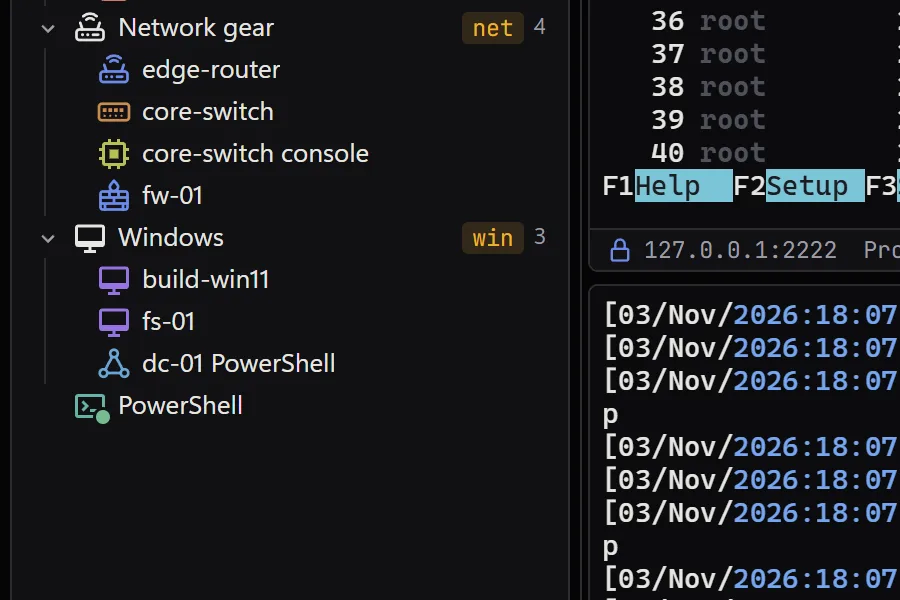
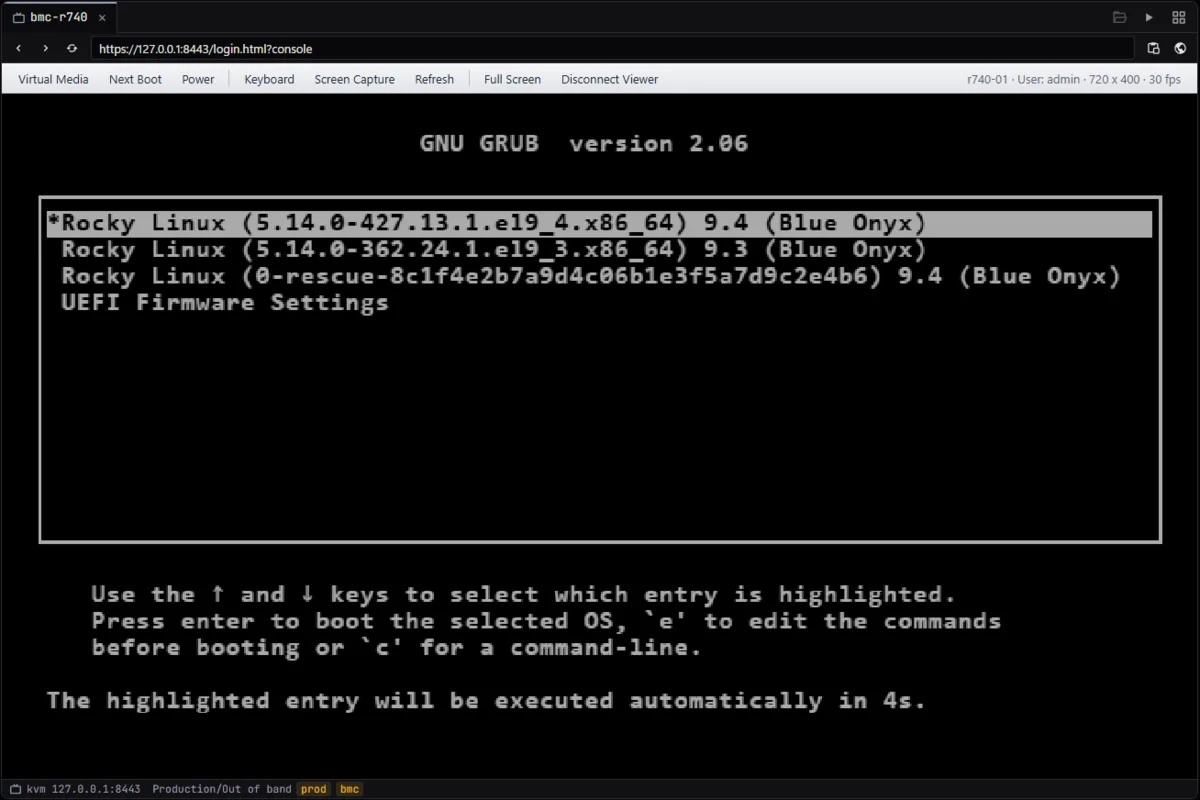
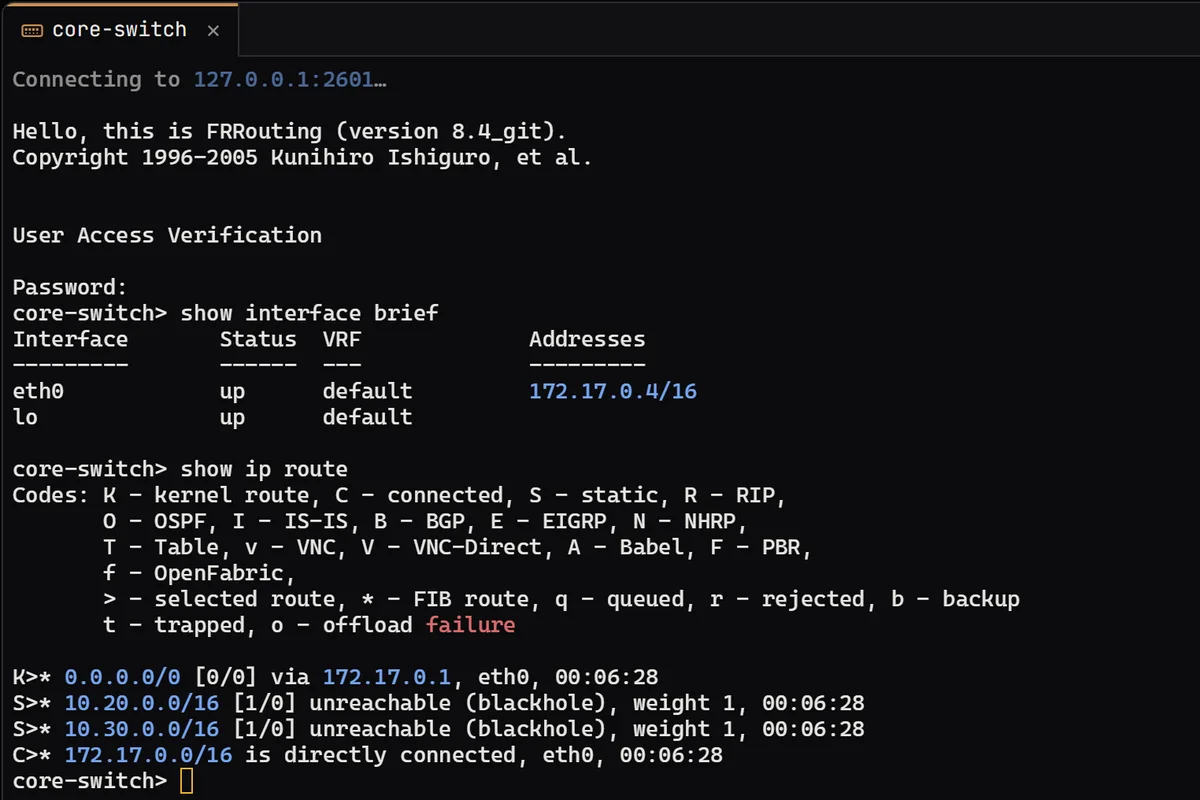
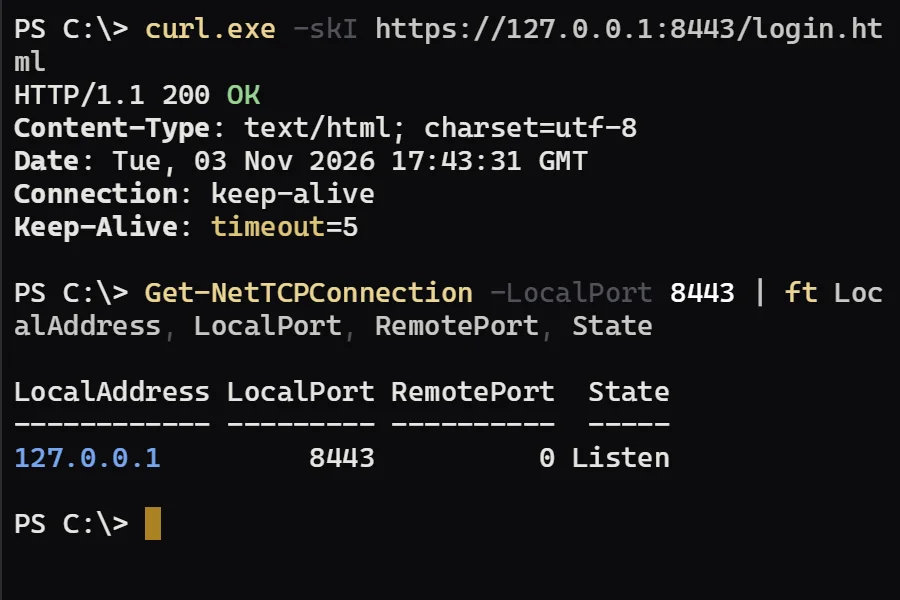
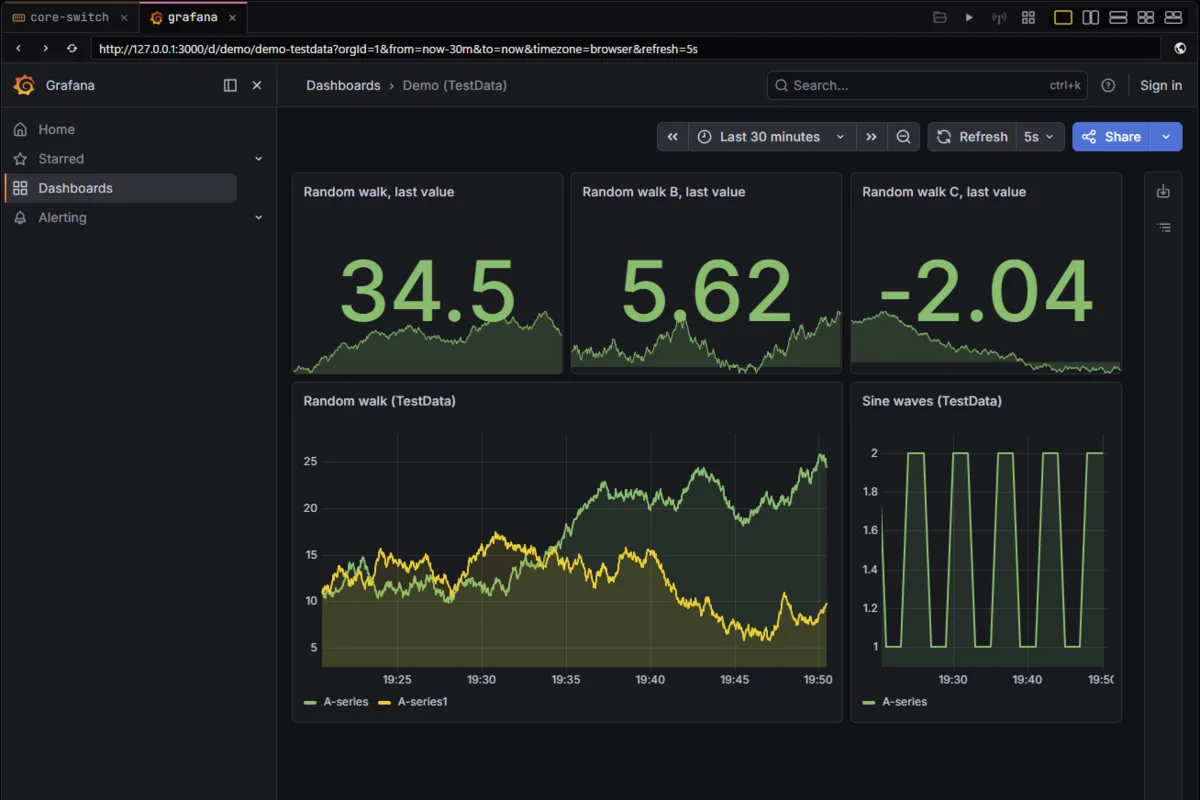
The session rack groups Network gear (edge-router, core-switch, its console and fw-01) and Windows (build-win11 and fs-01 over RDP, dc-01 over WinRM). The RDP hosts appear in the rack; no RDP desktop is pictured yet. core-switch is FRRouting on a demo host, answering show interface brief and show ip route over telnet. The BMC capture is the real app opening a demo console page served on this computer, a GRUB boot menu with no vendor branding, because no BMC was on hand. The local shell is PowerShell in a tab, checking that demo page with curl.exe and Get-NetTCPConnection, and the web tab shows Grafana’s TestData dashboard of random walks and sine waves.
Get it for Windows, Linux or macOS.
Free and open source. One command fetches the latest build from GitHub, checks its sha256 and installs it; read install.ps1 or install.sh first. Every file and its checksum, Scoop included, are under Downloads, and the .msi, .exe, .zip, .deb, .rpm, AppImage and .dmg are in the latest release on GitHub. The macOS app is not signed by Apple yet: how to open it the first time.
WindowsWindows 10 and 11
irm https://xtermium.com/install.ps1 | iexLinuxx64: .deb, .rpm or AppImage
curl -fsSL https://xtermium.com/install.sh | shmacOSApple silicon and Intel: one universal .dmg
curl -fsSL https://xtermium.com/install.sh | sh